

request.to.client
Send document requests with deadlines, tags, and secure upload links in the email.
India's #1-rated client & document management platform
Managing client documents is already hard enough. Practivo streamlines requests, guest uploads, and team workflows, so CA firms, consultancies, and service teams spend less time chasing files.
Trusted by 100+ firms across India
No credit card needed 14-day free trialTrusted by fast-growing teams & practice leaders
10 workflow problems. 10 Practivo features. See each pair below.

“Please send your PAN” on a Friday night, every single season.
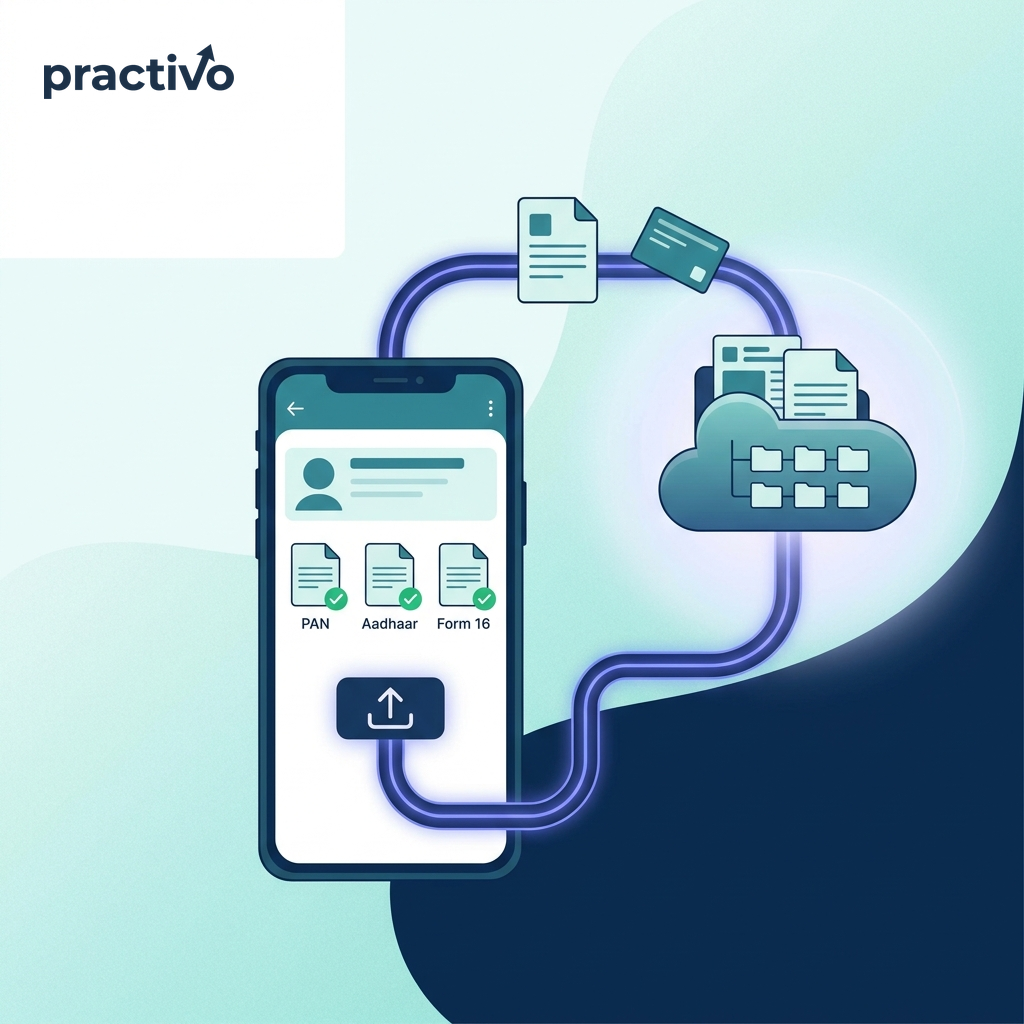
Generate a secure upload link. Clients upload PAN, Aadhaar & Form 16 from their phone, no app, no account.

One wrong formula away from losing a client’s entire history.
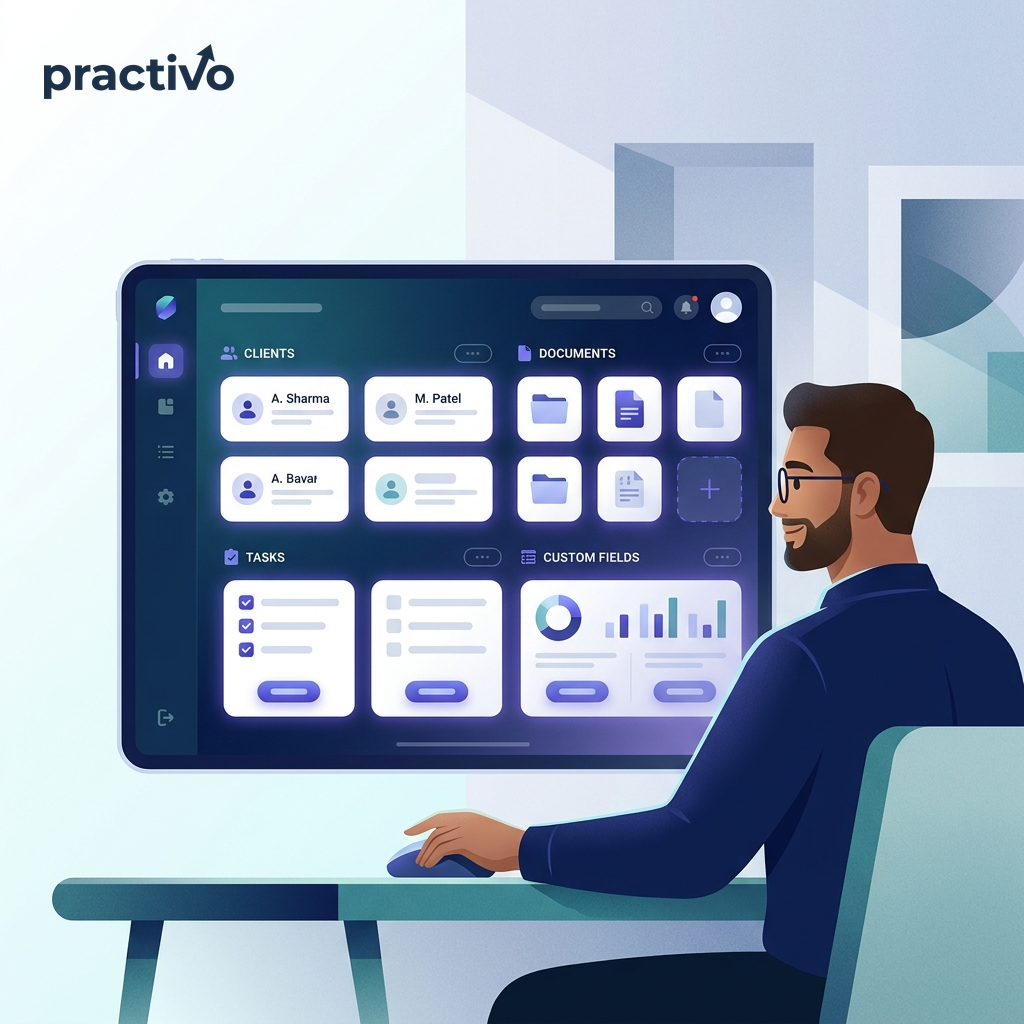
Add individual or company clients in seconds, documents, tasks and custom fields in one place.

No visibility on what’s uploaded, what’s pending, or who to chase first.
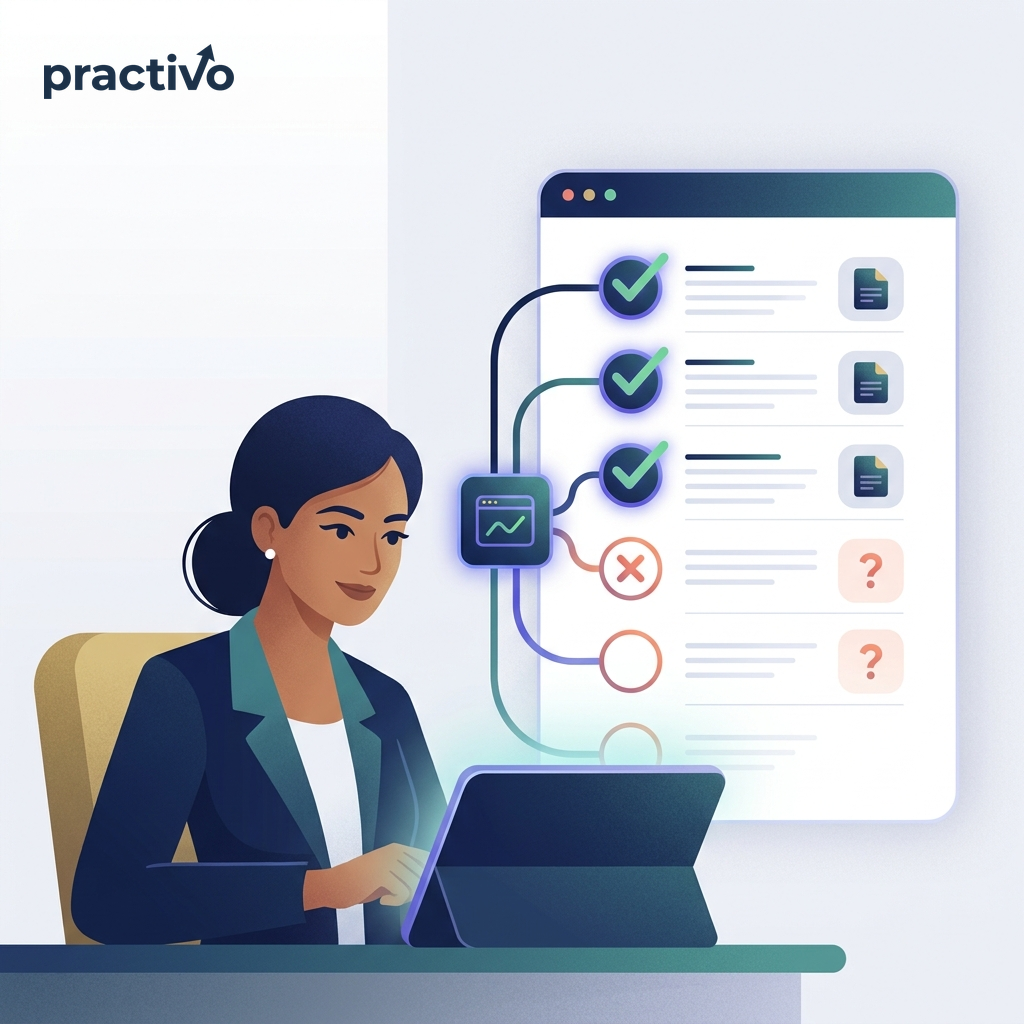
A per-client checklist shows what’s received and what’s still missing, at a glance.

Forwarded links, wrong people, zero access control.

Add a 4-digit PIN, only your client gets in. Wrong PIN, no access.

You’ve no idea until they call asking why it isn’t filed yet.
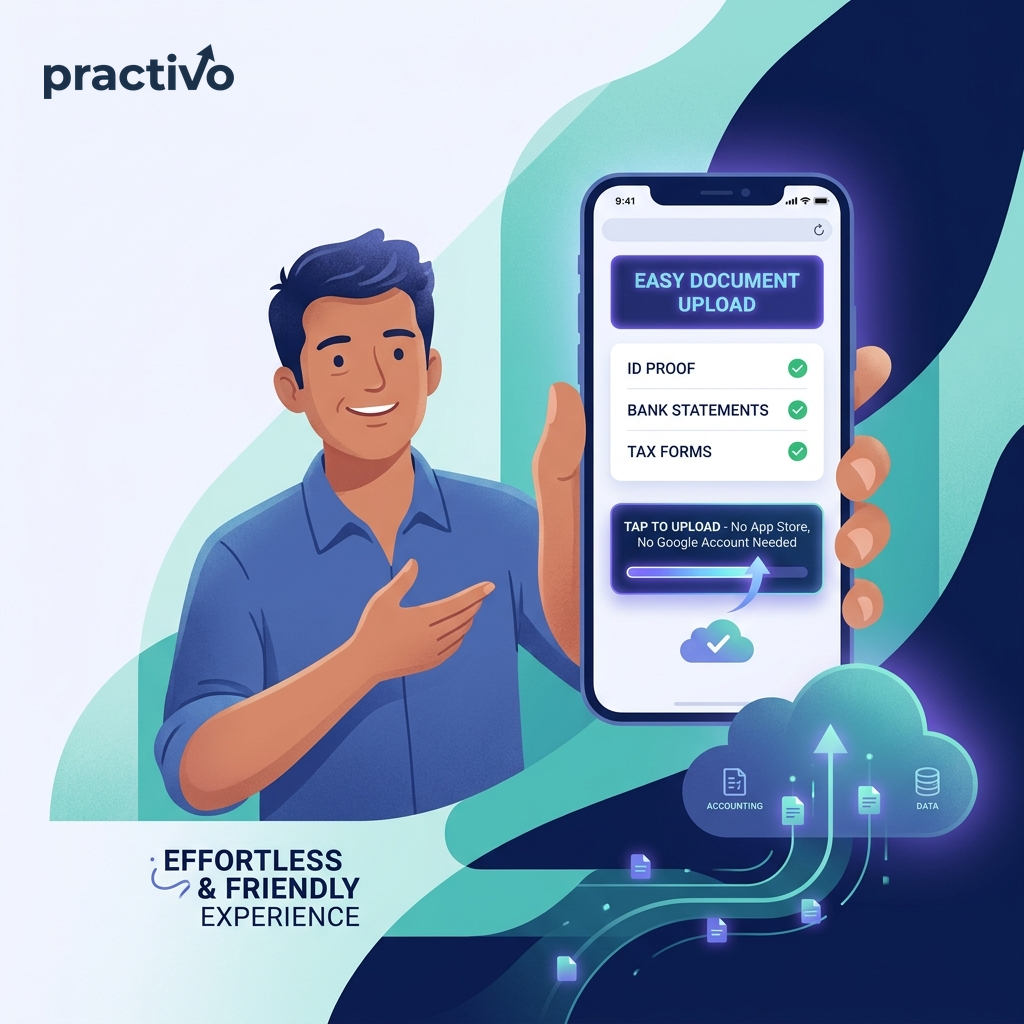
A clean mobile page, they upload, you’re notified instantly. No app, no Google account.

Remind on WhatsApp. Call. Email. Call again. Repeat ×300.
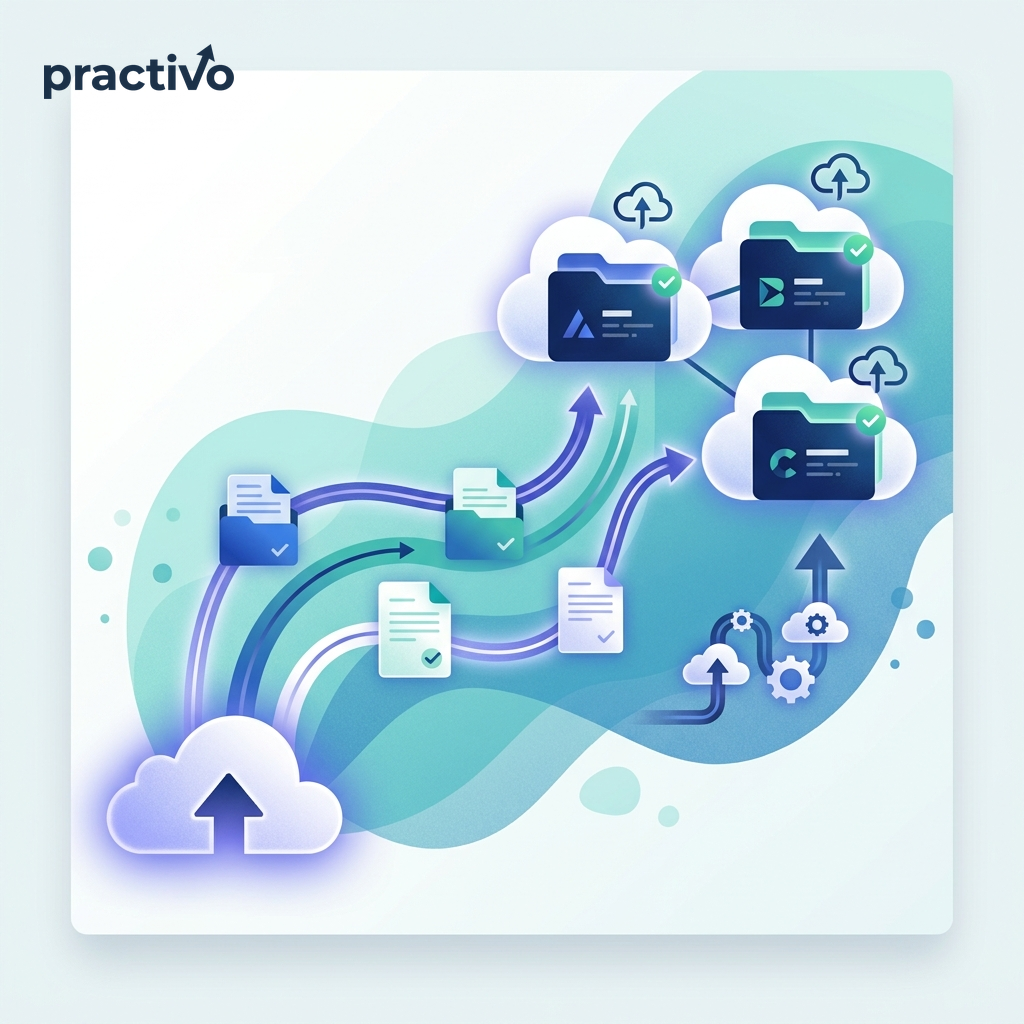
Every upload lands in the client’s Drive folder automatically, always backed up, no manual transfers.

Two people on the same task while others slip through the cracks.
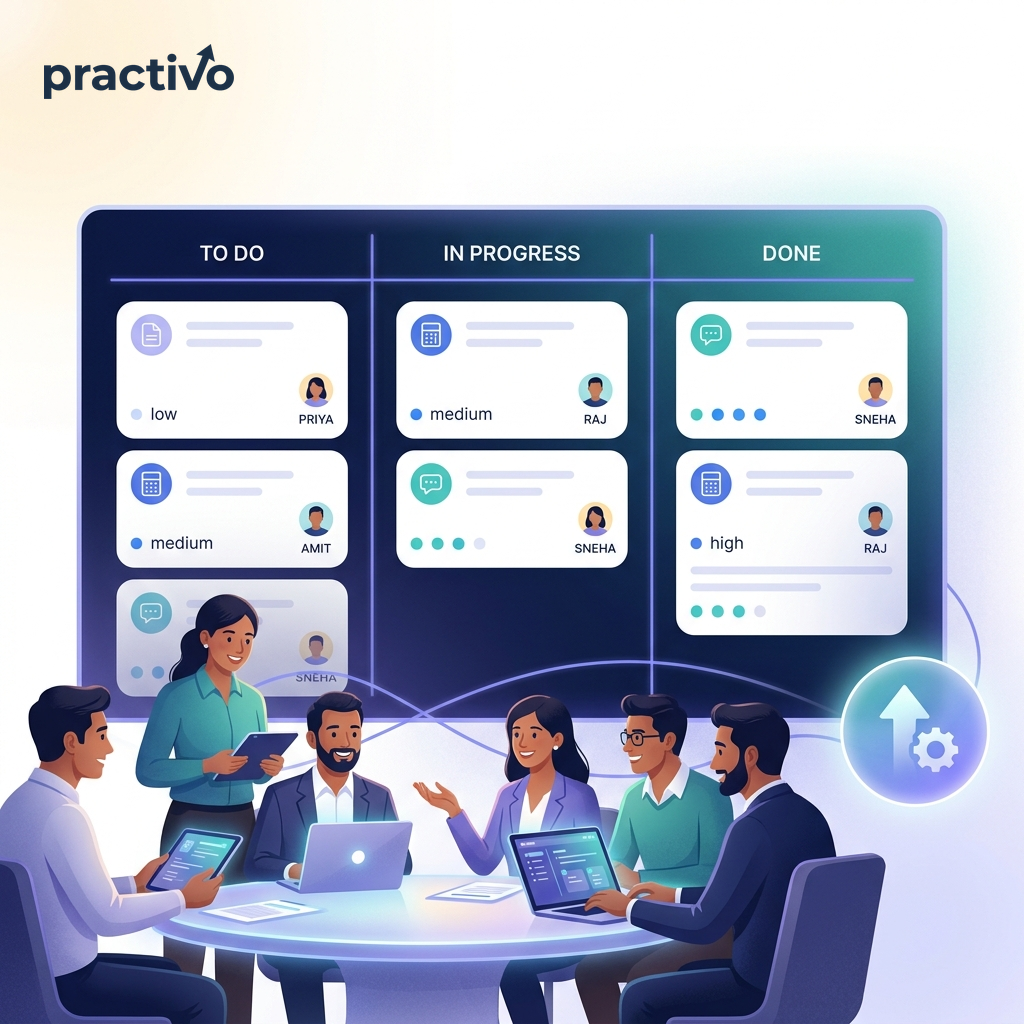
Create tasks with priority, due date and assignee, everyone knows what’s next.

PAN_final_v2_REAL_USE_THIS.pdf. No structure, no clarity.
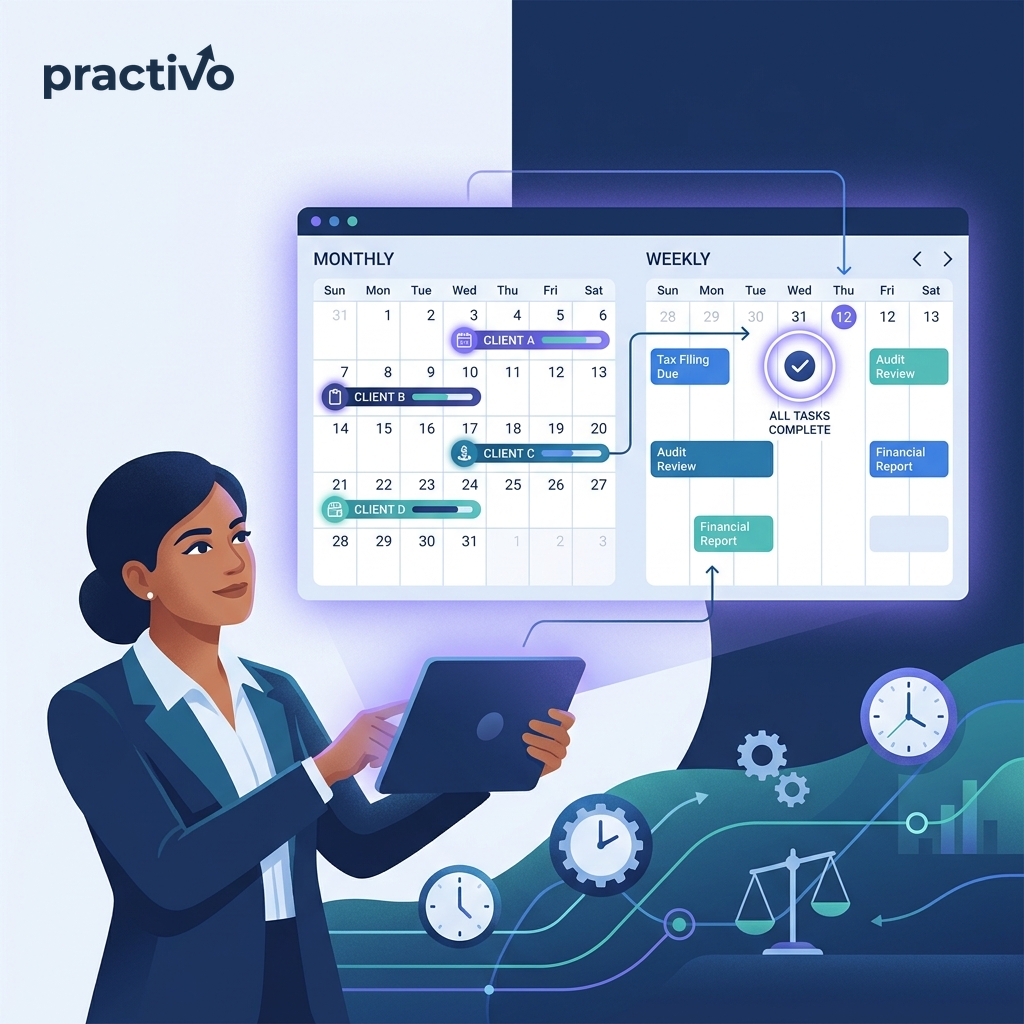
Switch to calendar view and see every due date across all clients at a glance.

No audit trail, no accountability, no way to investigate anything.

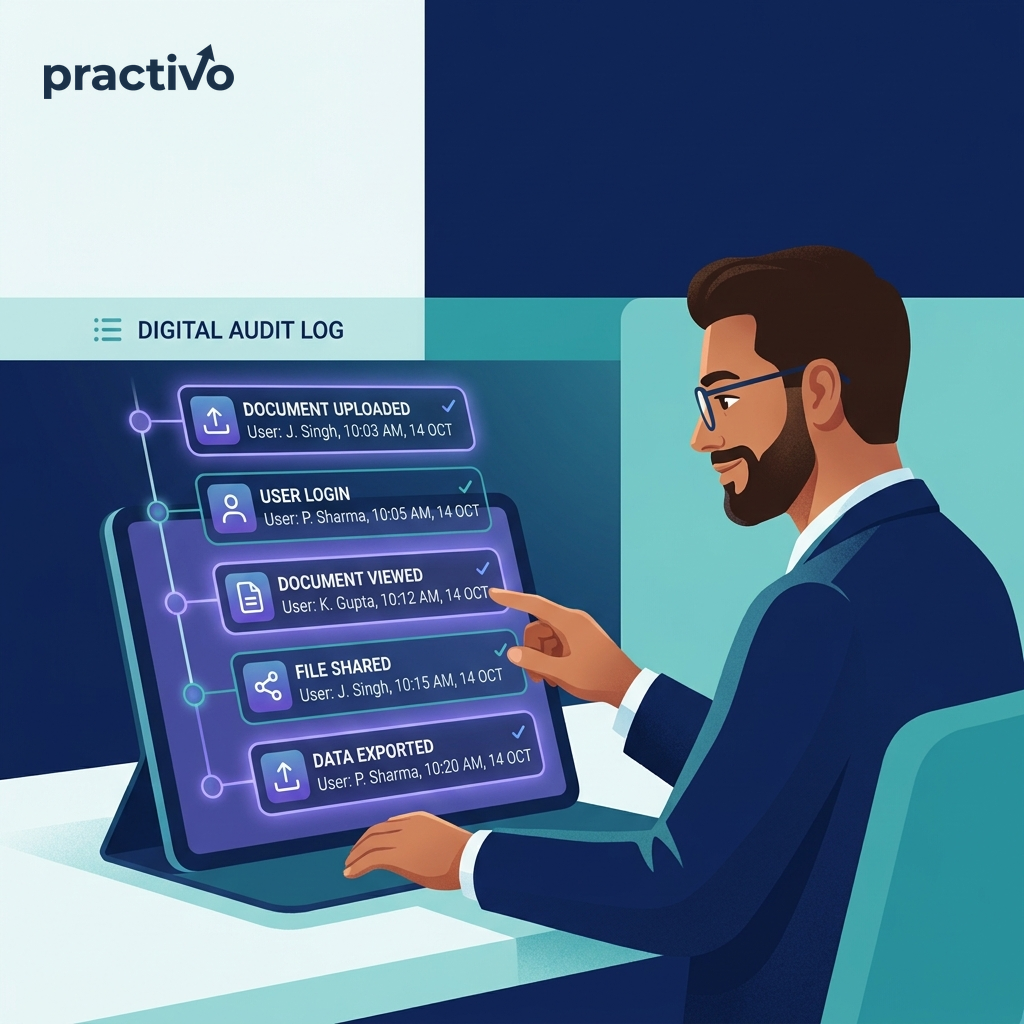
Uploads, logins and deletions recorded with user and timestamp, compliance-ready.

Every client asking the same thing on WhatsApp, email and call.
Role-based access for owners, staff and clients, collaborate without stepping on each other.
No passwords. No Google accounts on the client side. Fully tracked in your workspace.
Upload requested documents
practivo.in/upload/a8f3…k2m9
From request to upload → straight to your Drive.
Send document requests with deadlines, tags, and secure upload links in the email.
Stay ahead of every filing and compliance deadline with automatic reminders for your team.
Multi-document guest upload links, no client login, no Google account required.
Dedicated dashboard for clients, documents, tasks, requests, and onboarding.
Run your practice from one workspace.
Assign work, set priorities and due dates, send automated reminders.
Connect Google Drive once. All uploads land in practivo / Firm / Client.
ZIP documents or CSV activity logs with date and financial-year filters.
Admin, firm owner, team, and client roles with granular permissions.
Your clients' data deserves better than email attachments.
Every upload, download, and export is logged with workspace isolation.
Sensitive client data encrypted at rest with role-based access control.
Guest uploads are rate-limited and link-expiry protected.
Same secure storage. Different client experiences.
Ongoing relationships, invite clients to your workspace. They onboard, see pending requests, upload from their dashboard, and track task deadlines.
Upload requested documents
practivo.in/upload/a8f3…k2m9
One-off or recurring uploads, send a link, client uploads, done. No account, no Google connection on their end.
Register your workspace, connect Google Drive once, and get your invite code.
Create client records, send portal invites, or share secure upload links.
Send requests, approve uploads, assign tasks, and export when needed.
Workspace-isolated data. Files in your Google Drive. Encrypted sensitive fields. Complete audit trail on every action.
Set up your workspace, connect Drive once, and start sending secure upload links today.